Five Mobile Messaging Security Layers Beyond Encryption
End-to-end encryption protects message content, but it cannot stop someone reading an unlocked screen. These five layers address access, personal safety, remote removal, recovery and quantum-computing threats.
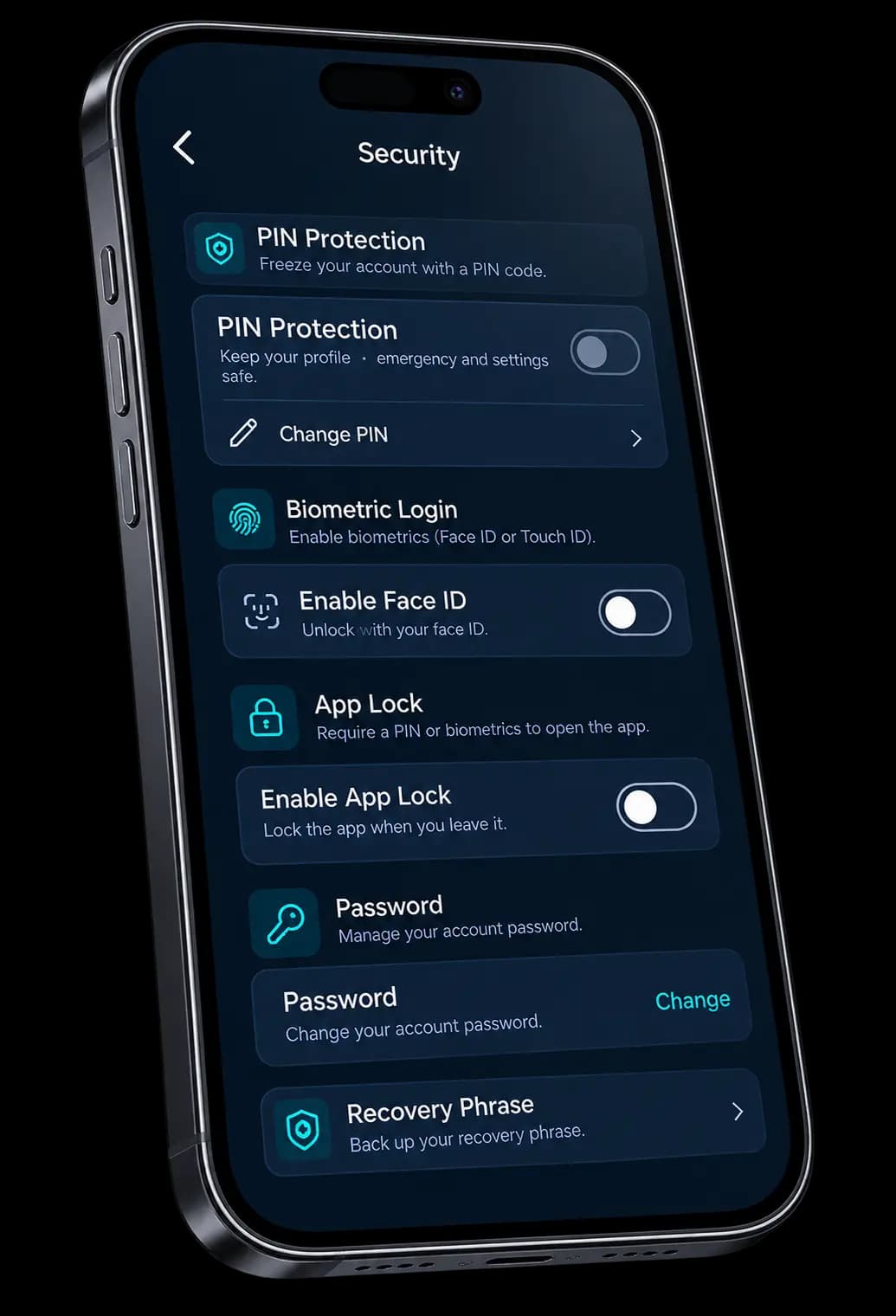
| Threat / scenario | What E2EE alone addresses | How SYNC helps | Feature |
|---|---|---|---|
| Casual snooping or a borrowed phone | Protects supported message content, not access to an unlocked screen. | Keeps selected chats behind an independent PIN. | GhostWire |
| Forced unlock or coercion | Does not prevent someone pressuring you to open an app. | A secondary PIN opens a decoy chat list instead of real conversations. | Duress PIN |
| Lost or stolen device | Does not remotely remove messages stored on the device. | A designated trusted contact can trigger removal of SYNC data when the device reconnects. | Kill Switch |
| Hardware loss or phone upgrade | Does not by itself provide a recoverable backup. | An optional encrypted backup supports recovery with the required recovery information. | Encrypted Backup |
| Harvest now, decrypt later | Quantum resistance depends on the algorithms used, not the E2EE label alone. | Post-quantum cryptography is designed to address attacks using sufficiently capable quantum computers. | Aegis Shield |
1. GhostWire: Lock Selected Chats Behind a Separate PIN
Use a separate PIN for selected chats and contacts. This helps reduce casual access when someone picks up your phone. It is a private space inside the app, not a claim that your data is invisible everywhere.
2. Duress PIN: Decoy Interface for Coerced Phone Unlocks
Entering your Duress PIN opens a separate decoy chat list instead of your real conversations. This provides a personal-safety option if you are being robbed or threatened. Configure it in advance and understand the behaviour in your version of the app. Prioritise getting to safety and contact local police if you are in danger.
3. Remote Kill Switch: Erase App Data if Your Phone Is Stolen
Designate a trusted contact who can help trigger remote removal of your SYNC data. A request takes effect the next time the affected device connects. It cannot erase screenshots or copies on someone else’s device.
4. Encrypted Cloud Backup: Zero-Knowledge Chat Recovery
Create an encrypted backup if you want a way to restore your chat history. Backup is optional and adds a stored encrypted copy. Keep your recovery information safe; losing recovery material can prevent restoration.
5. Aegis Shield: Post-Quantum Encryption
Aegis Shield is designed to protect today’s messages against future quantum attacks. Its focus is resistance to quantum-computing threats, including attempts to decrypt previously collected information.
Different controls for different risks
End-to-end encryption, access controls, emergency removal and recovery each address different needs. No combination eliminates every risk. Keep the app and your operating system updated, review settings and be careful about the information you share.
Start with the situation you want to prepare for
The most useful security setting depends on what you are trying to protect against. Casual access to a phone, pressure to unlock it, losing the device and recovering chat history are different situations. Treating them as separate decisions makes the suite easier to understand.
For ordinary message privacy, first understand how end-to-end encryption works. Then consider which additional controls fit your routine. You do not have to memorise the cryptography to make useful decisions about access and recovery.
Privacy and recovery need a little preparation
A separate chat PIN is most useful when you have already chosen which conversations belong behind it. A trusted contact needs to be designated before your phone is lost. Recovery information needs a safe place that remains accessible if the phone is unavailable.
Think through these steps while you have time. Read the in-app explanations, review which devices are signed in and confirm what each control affects. Avoid experimenting with destructive settings using information you cannot afford to lose.
Make a plan you can actually use
Keep your plan simple enough to remember under pressure. Know how you will contact your trusted person from another device and where you can find your recovery information. Do not keep the only copy of that plan on the phone it is intended to help you recover from losing.
Revisit the plan when your phone, trusted contact or account settings change. See the five-layer security suite for individual controls and the Duress PIN guide for personal-safety context.
Review your messaging security settings
Check your chat PIN, notification previews, trusted contact and backup recovery information. Use the security architecture and controls guide to review what each layer does, then open SYNC to configure the controls that fit your needs.